
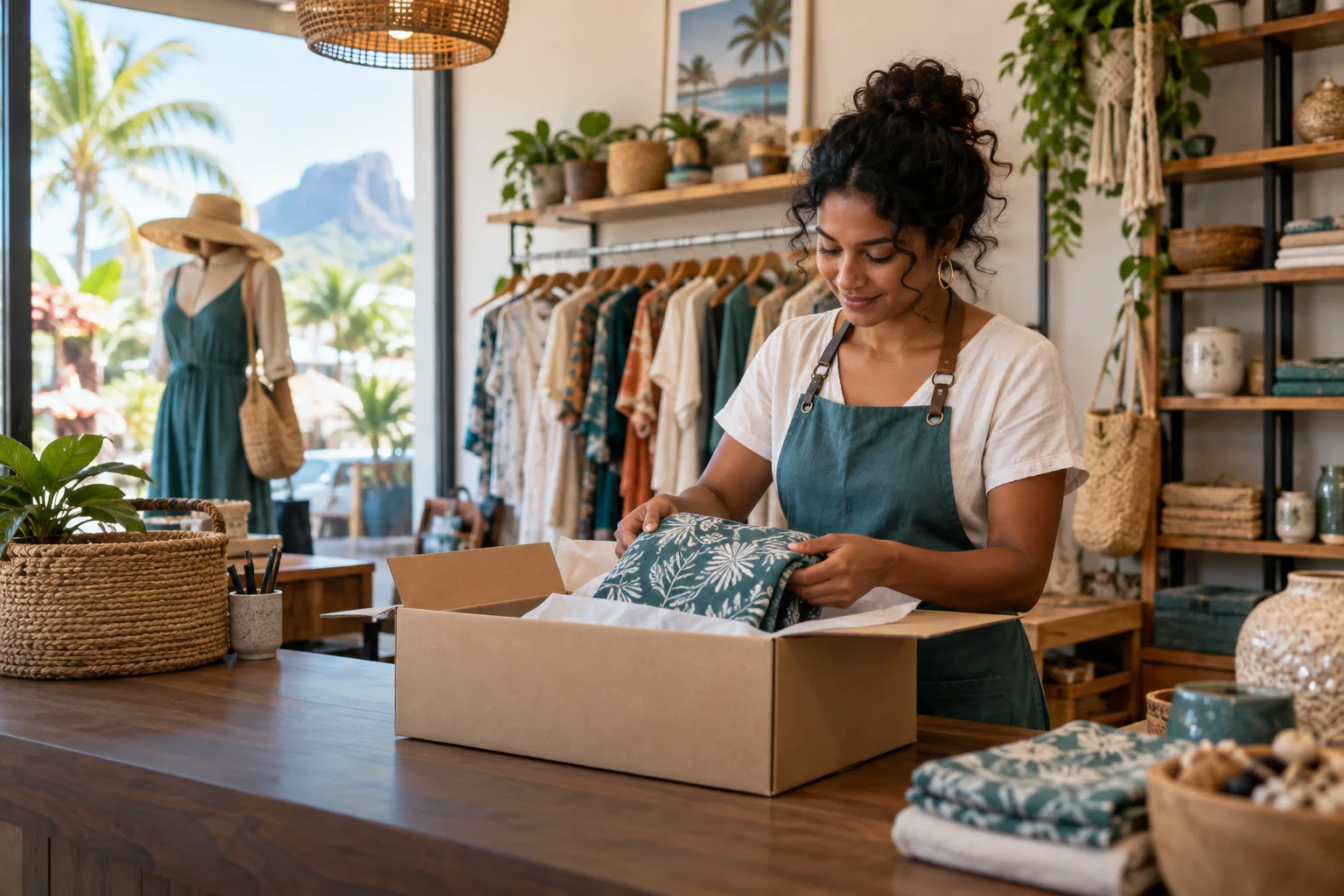
Run your Store Account
Create a Store Account to publish products, manage stock and prices, receive orders, handle pickup or delivery, and track sales and refunds. You can also use Live Selling for items requested through social media without first adding every item to your catalogue.
- Create your account. Register with your business name, contact details and a unique email address.
- Add a location. Pin the store on the map, set hours, pickup availability, delivery settings and live-sale acceptance preferences.
- Add products. Enter prices, optional images, SKUs and starting stock, or upload a CSV using the sample template.
- Handle orders. Confirm what can be supplied, follow the order and courier handoff, and review your money and analytics screens.
Live Selling and delivery
A buyer can describe a live-sale item, attach an optional screenshot and send a request. Your store may use automatic or manual request acceptance. For a manually handled request, you can confirm the item and price without choosing an inventory SKU; a registered SKU continues to use stock reservation when selected. Payment follows the confirmed offer.
For an order placed on Rapid, the buyer chooses delivery or collection. A delivery quote uses the pinned pickup branch, destination, route and parcels, and the buyer sees the total before paying. Rapid charges the store no extra delivery percentage. Pickup adds no fee or delivery price.
Live Selling can start with an item request from TikTok, Instagram or another channel. The item does not need a catalogue SKU. Automatic acceptance follows the store's location setting; a manual request needs your confirmation. The buyer pays only after the offer is ready for payment. A paid request then appears in Orders.
When a courier is needed
- Confirm the paid order and mark the parcel ready. Rapid uses the saved pickup location, buyer address and funded delivery quote to plan a route.
- Compatible ready orders in the same checkout may share one courier route. Each order keeps its original delivery price; a courier sees the route's gross earning before accepting.
- Hand over only to the assigned courier and record the pickup. The courier records delivery or an exception, and the order and money screens follow that evidence.
A standalone courier booking made outside Rapid checkout is different: the store pays the quoted delivery price, with no extra Rapid delivery percentage. Optional courier bonuses are shown before booking. The customer-funded checkout rule does not pay for a standalone booking.
Understand your money
A Rs 1,000 product sold from your Rapid Store has a Rs 50 Rapid product fee. A Rs 1,000 item sold through Live Selling has no Rapid item fee. Both can be collected for no pickup fee or delivered for the price shown to the customer. Withdrawals have no Rapid fee or fixed store minimum, although available balance, verification, holds and daily limits still apply. See the full Store pricing table.
Store FAQ
Do I need a product listing for a live sale?
No. A seller can confirm a manually handled live request without selecting a catalogue SKU. A catalogue item can still be selected when inventory tracking is useful.
Can I offer collection from my store?
Yes. Enable pickup at a location and choose the available pickup hours or custom collection windows. Customers see the collection details for a pickup order.
Can one Store Account also run a restaurant?
No. Store and Restaurant Accounts have separate sign-ins and require different email addresses. Create the matching account for each business type.
Will missing verification stop me from listing products?
The current staged publishing policy lets a store build its catalogue before full merchant verification. Payment, withdrawal and risk controls still apply when those actions are used.
Who pays for delivery?
The customer pays the displayed delivery price for an order placed on Rapid. If you book a standalone courier trip for a sale outside Rapid checkout, your store pays the quote. Neither flow adds a store delivery percentage.
What if several items share one courier?
Rapid may combine compatible ready orders from the same paid checkout and destination into a route. You still see and hand over your own order; the courier follows every pickup stop and the shared destination.