
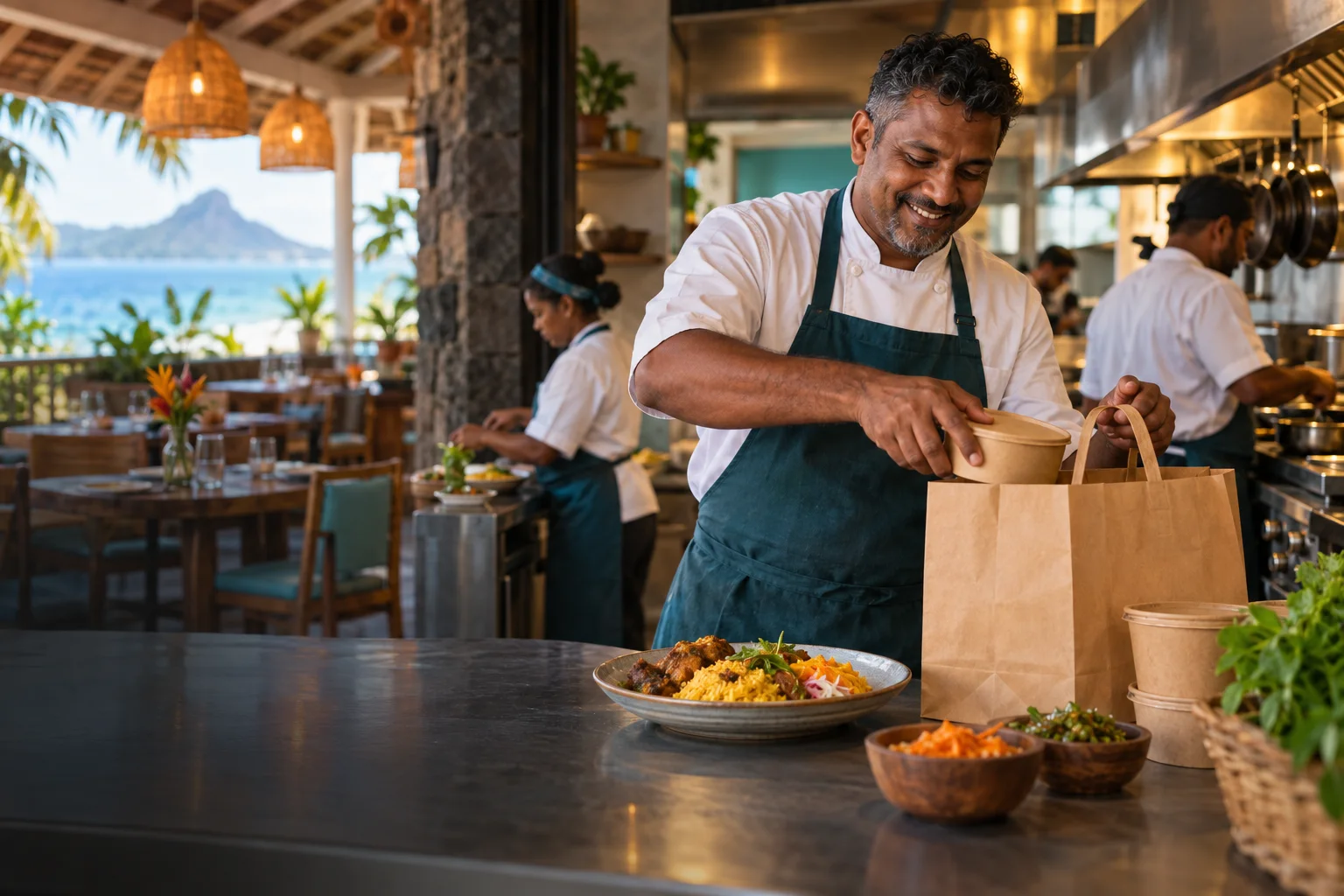
Run your Restaurant Account
Restaurant Accounts have a dedicated menu and kitchen workflow. Publish menu items and modifiers, set preparation and opening hours, receive orders, and coordinate pickup or courier handoff. The Restaurant Account is separate from a Store Account.
- Create your account. Register your restaurant with a unique email address and business contact details.
- Add a kitchen location. Pin the location, set opening hours, handling time, collection windows and delivery availability.
- Publish a menu. Add items, prices, optional images and modifiers, or use the CSV upload template.
- Prepare and hand over. Follow Orders & Kitchen, confirm preparation, and record pickup or courier handoff.
Food orders, tips and delivery
Customers can choose pickup or delivery where your location offers it. Before payment they see the food price, the quoted delivery price when applicable and any optional tip. The customer pays ordinary delivery; Rapid charges no extra restaurant delivery percentage. Pickup adds no fee. Food sales carry a 5% Rapid fee whether the customer collects or receives a delivery.
When an order is paid, prepare it in Orders & Kitchen. Mark it ready for courier collection, check the assigned courier at handover and record custody. Rapid can group compatible ready restaurant portions from the same checkout and destination into one route, up to three restaurant pickup locations. Scheduled restaurant orders do not join a multi-restaurant bundle.
If one kitchen is late, the ready portions may leave separately. When a restaurant-caused split requires another courier trip, the responsible restaurant can be charged the additional quoted trip; this is a separate delivery cost rather than a percentage fee. An eligible tip goes to successful couriers; failed delivery portions are refunded according to the recorded order.
Understand your money
On Rs 1,000 of food, Rapid keeps Rs 50 and the restaurant's food share is Rs 950 before refunds or other obligations. Ordinary delivery is paid by the customer. Restaurant withdrawals have no Rapid fee or fixed minimum, subject to available balance, verification, holds and daily limits. See the full Restaurant pricing table.
Restaurant FAQ
Can I use the Store Account for my restaurant?
No. Restaurants use their own Restaurant Account, menu and kitchen screens. A person operating both types needs a second account with a different email address.
Can customers collect their food?
Yes, if pickup is enabled for the kitchen location. The checkout and order confirmation show the selected collection details and window.
When does a delivery tip reach a courier?
An eligible tip is settled from the original restaurant order. A failed delivery portion is refunded instead of being paid to an unsuccessful courier.
Where do I see food orders and sales?
Use Orders & Kitchen for preparation, Sales & Deliveries for fulfilment, and the Restaurant dashboard for reporting and money.
Do I pay a percentage of each delivery?
No. The customer pays the delivery quote on a normal Rapid order. A separate extra trip caused by a late restaurant portion can still be a restaurant-funded cost.
How does a restaurant bundle work?
Rapid groups only eligible paid portions from the same checkout, destination and food channel when their readiness fits the route. The courier sees the pickup stops. A late portion may require its own trip instead of delaying ready food indefinitely.